
Welcome to FastLinkIt
FastLinkIt is an all-in-one platform for URL shortening, QR code generation, link-in-bio pages, contact management, email mailing, event booking, and payment processing — all behind one account, with a single dashboard, one billing relationship, and one REST API.
This manual is your reference for everything the platform can do. Use the sidebar table of contents to jump to any topic, or browse by category below.
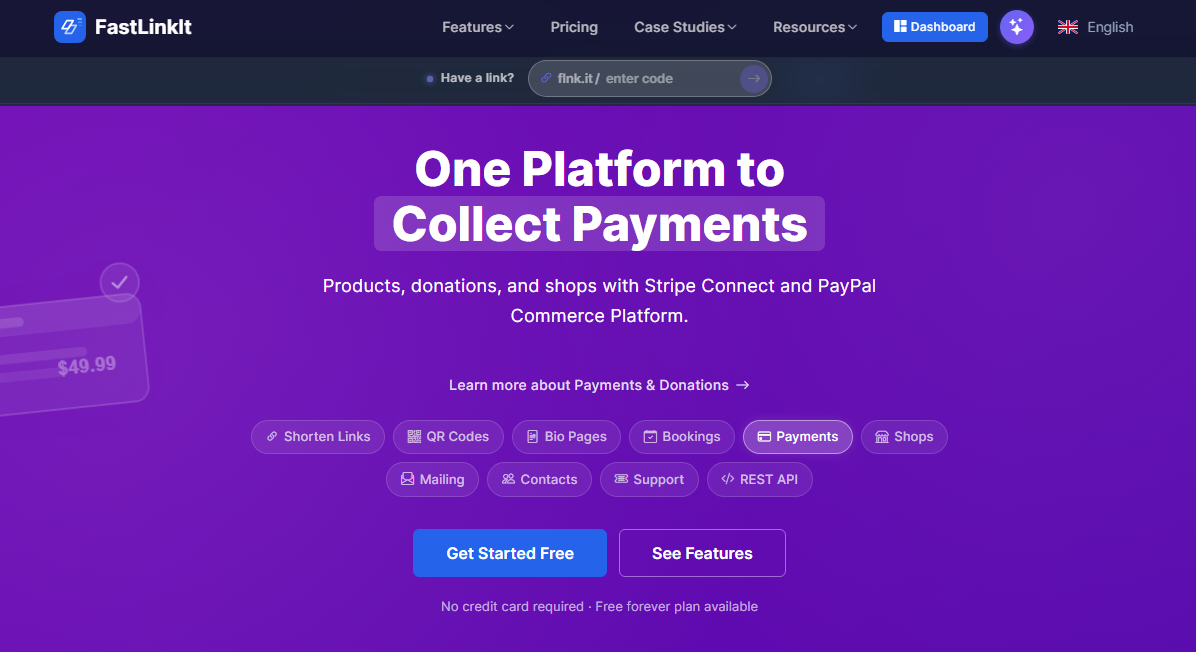
What can you do with FastLinkIt?
| Feature | What it's for |
|---|---|
| Link Shortener | Short, memorable URLs with custom codes, click analytics, expiration, tags, folders, file links |
| QR Codes | Customisable QR codes with logos, colours, scan tracking |
| Link-in-Bio Pages | Branded landing pages with templates, social icons, donation blocks |
| Shops | Online shops with product bundles, branded storefronts, Stripe + PayPal checkout, digital download delivery |
| Blog | Full Markdown blog — posts, categories, tags, threaded comments with moderation, RSS feed, WordPress + RSS importers, composable block library for custom layouts |
| Documentation (Wiki) | Self-contained documentation sites — books, pages, categories, tags, version history, Mermaid diagrams, per-page visibility |
| Contact Manager | Profiles, groups, vCard export, bounce tracking, unsubscribe management |
| Email Mailing | Bulk HTML emails with placeholders, open tracking, click tracking, multiple providers |
| Event Booking | Public booking pages, calendar slots, paid/free events via Stripe Connect, reminder emails |
| Payments & Donations | Stripe + PayPal merchant onboarding, products, transactions, earnings dashboard |
| Fundraising | Hosted campaigns with progress bars, embeddable donate widget, and a GitHub FUNDING.yml integration so repos get a native Sponsor button — no GitHub Sponsors approval required |
| Service Requests | Escrow-style one-off engagements — client authorises a payment, funds held 7 days, you confirm delivery to capture |
| Digital Downloads | Sell software / media files with download tokens, licence keys, and a private NuGet feed for library authors |
| Support Tickets | Email-to-ticket, departments, agent assignment, branded reply emails |
| Inbox & Visitor Messaging | Contact form on shops / pages; admin broadcast to individual users or everyone |
| Organization | Multi-user accounts, role-based access, departments, pooled sub-plans, cross-member data sharing |
| Media Gallery | Curated image + video collections with public short codes (gallery manual) |
| Projects | Light Kanban / Agile / Waterfall over a unified work-item model |
| Sage Chat | Retrieval-Augmented Generation assistant trained on your own wiki, RSS feeds, and sitemaps |
| REST API | Programmatic access to almost every feature, with scoped API keys |
| CMS Plugins | Native integrations for WordPress, Joomla, Drupal, Ghost, Shopify, Wix |
| Browser Extension | One-click shorten / QR / Drop from any page (Chrome, Edge, Firefox) |
| Drop | Send links, files, and notes between your own devices in real time |
Quick start
- Create an account at the registration page.
- Confirm your email — check your inbox for the confirmation link.
- Create your first short link from the Dashboard.
- Explore using the sidebar navigation or this manual.
How this manual is organised
Every other page in this manual is a child of this Welcome page. The TOC groups them under the categories below — follow the side-bar to drill in.
- Getting Started — first-day basics: dashboard, search, language, drop
- Links & QR Codes — short URLs, file links, QR codes, tags, folders
- Pages & Templates — link-in-bio, custom templates, Markdown reference
- Contacts & Mailing — contact CRM, groups, bulk emails, subscribe forms
- Organizer — booking pages, event templates, attendance, statistics, projects
- Payments & Donations — Stripe / PayPal, products, fundraising, escrow, licences
- Inbox & Messaging — visitor messages and platform announcements
- Organization — multi-user accounts, teams, departments, sub-plans
- Support Tickets — customer support workflow with email integration
- API & Integrations — REST API, CMS plugins, browser extension, GeoIP, WhatsApp
- Account — profile, push notifications, preferences, files
Subscription plans
FastLinkIt has five plans — four paid tiers plus a free starter. All plans share the same feature set; the differences are quotas and quality-of-life perks.
| Plan | Monthly | Annual | Links/month | Storage | Notes |
|---|---|---|---|---|---|
| Free | $0 | — | 5 | 10 MB | Ads on redirects |
| Starter | $0.99 | $9.90 | 10 | 25 MB | Contacts + mailing unlocked |
| Basic | $9.99 | $99.90 | 100 | 100 MB | No ads |
| Professional | $29.99 | $299.90 | 500 | 200 MB | Booking, payments, custom templates |
| Unlimited | $49.99 | — | unlimited | unlimited | Everything, no caps |
Tip: The Pricing page has a feature-by-feature comparison table.
Need help?
- Search — use the sidebar search to find any topic across the manual.
- Sage chat — the floating bubble in the corner of every page is an AI assistant trained on this manual; ask it anything in plain English.
- Contact us — the Contact form reaches the FastLinkIt team directly.