
Event Templates
Event templates define the properties of your event types.
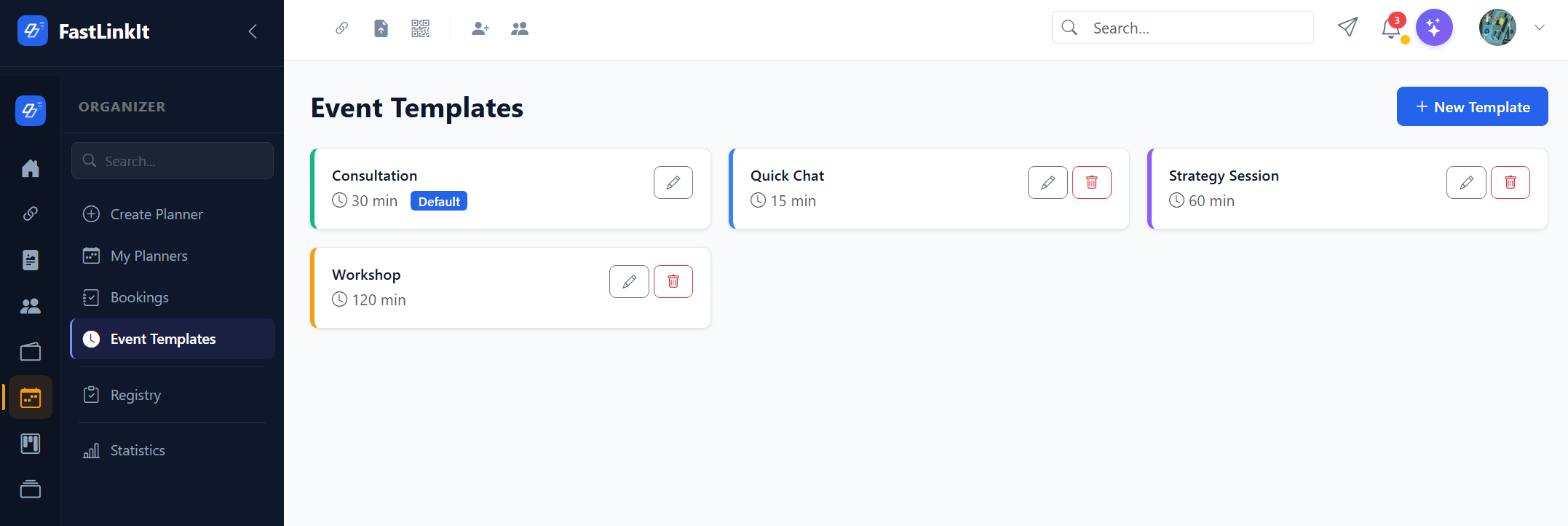
Managing Templates
Go to Organizer → Templates to create, edit, and delete templates.
Template Properties
| Property | Description |
|---|---|
| Name | Template name (e.g., "30-min consultation") |
| Duration | Duration in minutes (15-120) |
| Description | Brief description shown on booking page |
| Colour | Colour coding for the schedule grid |
| Default | Set as the default template for new slots |
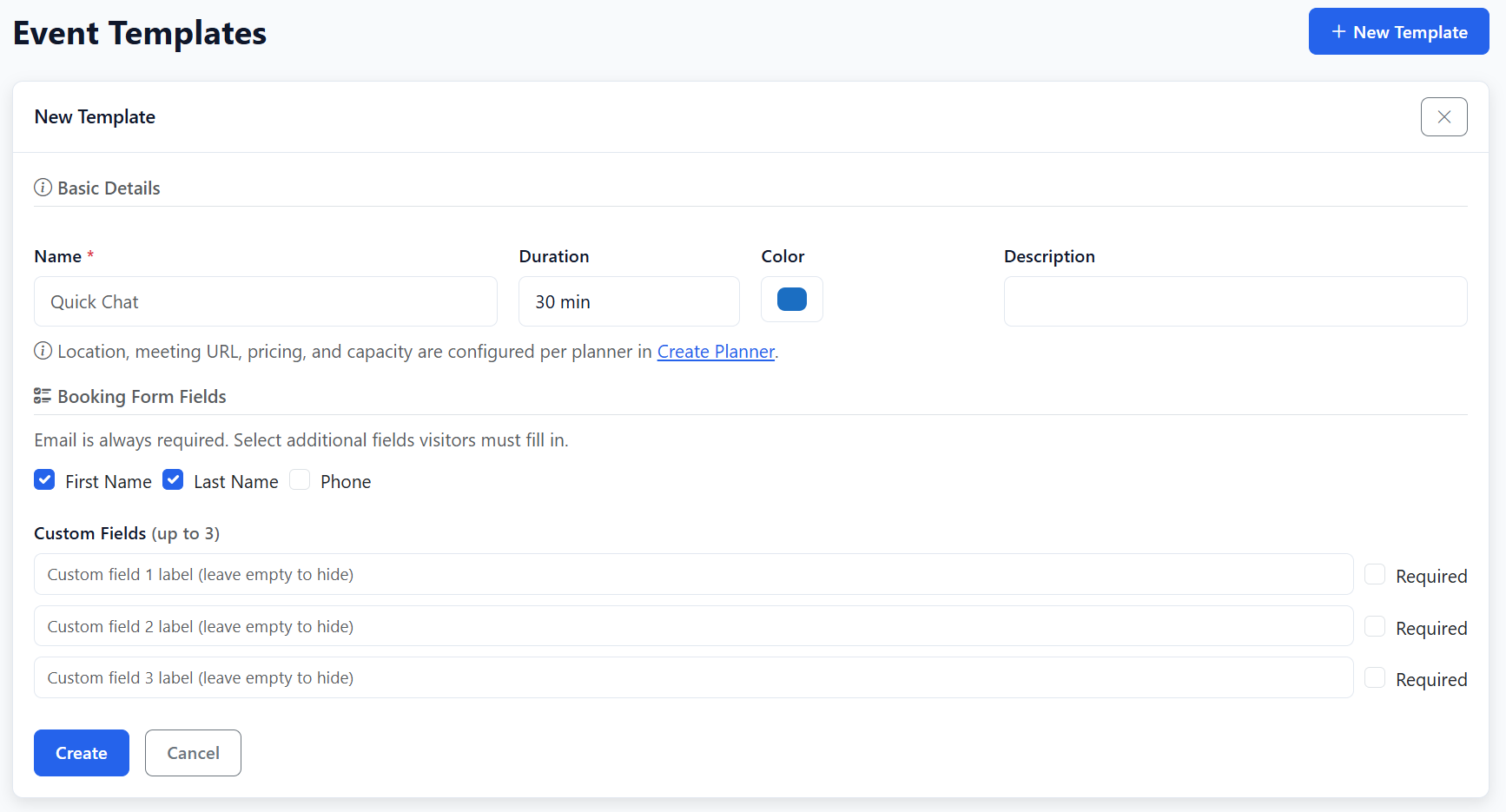
Booking Form Fields
Each template configures which fields the visitor must fill in:
- First Name (optional/required)
- Last Name (optional/required)
- Phone (optional/required)
- Up to 3 custom fields with custom labels
Pricing & Location
Pricing, capacity, location, and meeting URL are configured at the planner level, not per template. This means different planners can have different pricing even if they use the same template.