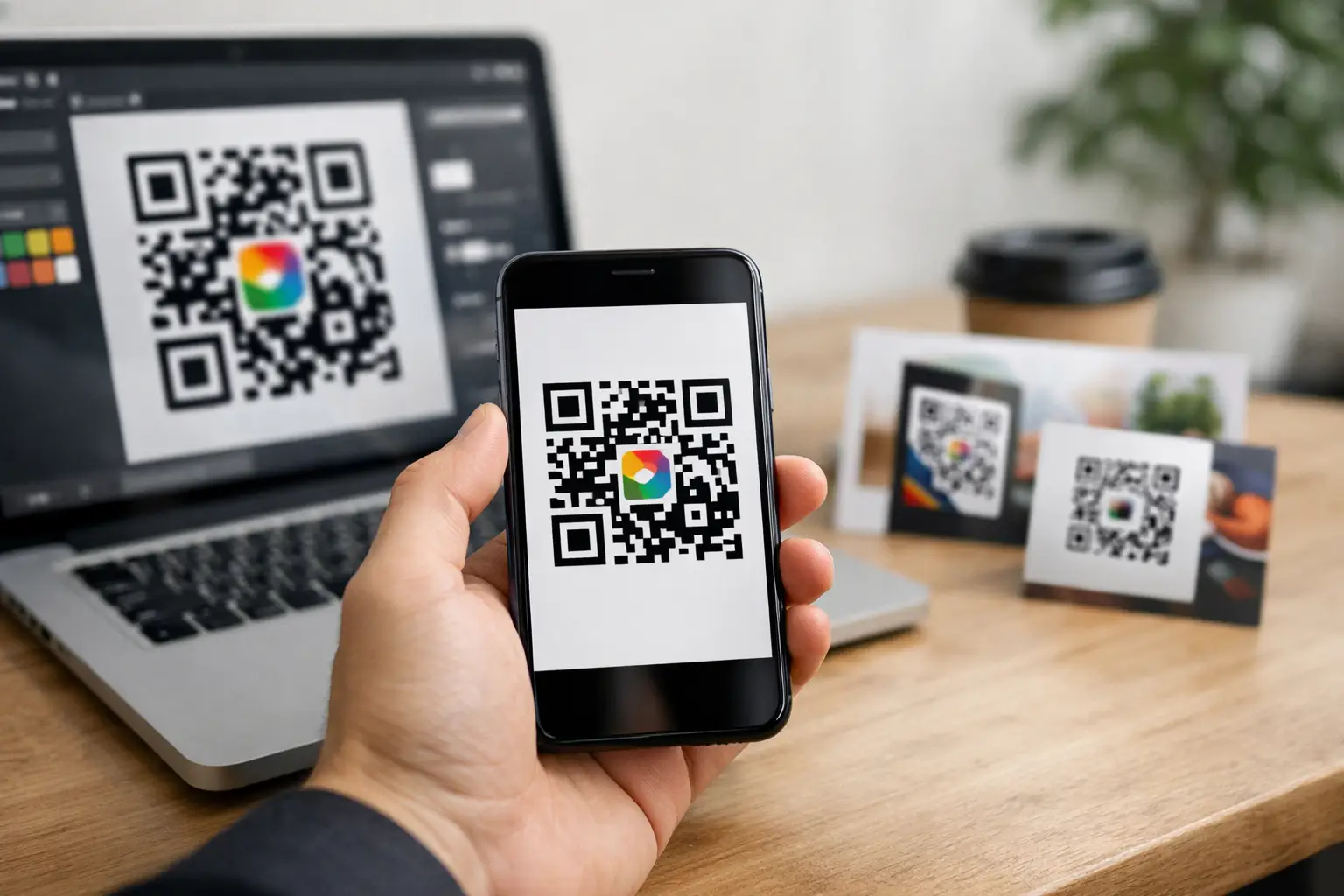
A plain black-and-white QR code can get the job done. It can also look like an afterthought on packaging, posters, menus or event signage. If you want scans that fit your brand, stay editable after print, and feed directly into your tracking stack, a custom qr code generator stops being a nice extra and starts looking like core infrastructure.
That matters because QR codes are no longer a one-off marketing asset. They now sit at the intersection of offline promotion, digital journeys, booking flows, payments, contact capture and product discovery. The code itself is simple. What sits behind it, and what you can do with it after launch, is where the real value sits.
What a custom qr code generator should actually do
At the basic level, any tool can turn a URL into a scannable square. That is not a competitive feature. A proper custom qr code generator gives you control over branding, destination management, analytics and campaign operations from one place.
Branding is the obvious starting point. You should be able to change colours, add a logo, adjust the frame and shape, and make the code feel native to your business rather than borrowed from a generic template. For a creator, that might mean matching a link-in-bio page. For a retailer, it could mean keeping packaging consistent. For an events team, it means QR codes that look like part of the event identity instead of a last-minute technical add-on.
The less obvious requirement is destination control. If your QR code points directly to a hardcoded URL, every printed asset becomes fragile. Change the landing page, switch a product, move a booking form, or fix a campaign error, and the code is suddenly working against you. Dynamic QR codes solve that by pointing to a managed short link that you can update later without replacing the printed code.
Then there is measurement. If you cannot see scans by date, location, device or campaign, you are making decisions with partial information. A QR code used on a shop window behaves differently from one on an invoice, a flyer or a conference badge. A useful platform shows you what is getting scanned, when, and which assets deserve more budget.
Why a custom qr code generator matters beyond design
The design layer gets attention because it is visible. The operational layer matters more because it affects performance and maintenance.
A custom code that carries your domain or branded short link builds trust. Users are more likely to scan when the destination feels credible and relevant. That is especially true for payments, bookings, donations and downloads, where users are making a quick judgement about legitimacy.
There is also a workflow benefit. Teams that run QR codes across print, social, packaging, events and email rarely want another isolated tool. They need QR creation tied to the same place they manage short links, landing pages, lead capture and reporting. Otherwise, every campaign becomes a patchwork of exports, spreadsheets and manual updates.
For businesses with frequent changes, editable QR destinations save time and reduce waste. If a campaign URL changes after 5,000 flyers are printed, you want to update the destination in minutes, not reprint everything. The same logic applies to restaurants updating menus, consultants changing booking pages, and nonprofits rotating fundraising campaigns.
Static vs dynamic QR codes
This is usually the first decision, and it affects nearly everything that follows.
A static QR code contains the final destination directly in the code. It is simple and often free. It can work for permanent, low-risk use cases such as a Wi-Fi password, a fixed company profile or a personal contact card that is unlikely to change.
A dynamic QR code points to a managed link that redirects to the final destination. That gives you editability, tracking and more control over the user journey. For anything customer-facing, campaign-based or printed at scale, dynamic is usually the better choice.
The trade-off is dependency. Dynamic codes rely on the platform managing the redirect, so reliability matters. If you are choosing a custom qr code generator for business use, uptime, redirect speed and link management are not side features. They are central.
How to choose the right custom qr code generator
Start with the scan journey, not the code design. Ask what happens after someone scans. Are they buying, booking, downloading, subscribing, donating or viewing a profile? The answer tells you what the generator needs to connect with.
If you only need a branded QR code for a one-page campaign, almost any decent tool will cover the basics. If you need to run multiple campaigns, segment links, collect leads and measure results, the generator should sit inside a broader workspace. That is where an all-in-one platform earns its keep. You create the QR code, route it to a branded short link, send users to a landing page or payment flow, and track everything without switching systems.
Look closely at customisation controls, but do not overdo them. Colours should support your brand while keeping enough contrast for reliable scanning. Logos can improve recognition, but if they take up too much space they reduce readability. Decorative shapes can look sharp in mock-ups and fail in poor lighting on real devices. The best tools let you customise within safe scanning tolerances rather than pushing style at the expense of function.
Analytics should be practical, not inflated. Useful reporting tells you where scans came from, how they changed over time, and which destination or asset performed best. It should help you decide whether to update a call to action, move a poster, test a different landing page or retire an underperforming placement.
Common mistakes that hurt scan rates
The first mistake is treating a QR code as self-explanatory. It is not. A code with no instruction often gets ignored, especially in busy environments. Give people a reason to scan. “Book now”, “See the menu”, “Download the spec sheet” or “Pay in seconds” is better than leaving the square to speak for itself.
The second mistake is poor sizing and placement. A code on a business card has different constraints from one on a shopfront. If users are expected to scan from a distance, the code needs more physical space and a cleaner design. If it is placed on curved packaging or reflective material, readability can drop quickly.
Another common problem is sending every scan to a generic homepage. That adds friction and wastes intent. Someone scanning from product packaging should reach the product page, usage instructions or reorder flow, not your site menu. Someone scanning at an event should land on registration, schedules or speaker details straight away.
Finally, many teams skip testing. You should test on multiple phones, under different lighting, and from realistic distances before anything goes to print. A QR code that scans perfectly on a designer’s latest handset in the office may perform badly in the field.
Where a custom qr code generator creates the most value
Retail and ecommerce teams use QR codes to connect shelves, packaging and printed inserts to product pages, reviews, warranty forms and repeat purchase flows. That creates a measurable bridge between physical touchpoints and online revenue.
Creators and freelancers use them to route audiences to booking pages, digital products, tip jars, newsletters and link-in-bio hubs. The code becomes more than a shortcut - it becomes part of how they convert attention into action.
Event organisers use QR codes across registrations, tickets, schedules, speaker profiles and venue signage. When those codes are managed centrally, last-minute changes become manageable instead of chaotic.
Nonprofits use them on posters, campaigns and printed materials to reduce the gap between interest and donation. Shorter paths generally mean better conversion, especially when the landing experience is mobile-first and branded.
Developers and technical teams often want more than a dashboard. They need API access, automation and consistent asset management across multiple campaigns or clients. In that case, the best custom qr code generator is one that fits into a wider distribution workflow rather than acting as a standalone utility.
The strongest setup is connected, not isolated
The QR code is only the entry point. The business outcome depends on what happens next and whether you can manage the full flow from one system.
That is why many teams are moving away from single-purpose QR tools and towards platforms that combine branded links, QR creation, landing pages, payments, bookings, contacts and campaign reporting. If a scan can lead to a sale, an appointment, a donation or a subscriber, it makes sense to manage that path as one connected operation. Platforms such as flnk.it are built around that idea: fewer moving parts, more control, and clearer performance data.
A good custom qr code generator should make your campaigns easier to launch, easier to update and easier to measure. If it only gives you a prettier code, it is solving the smallest part of the problem. The better choice is the one that helps you turn every scan into a tracked, branded and useful action.
Comments (0)
Be the first to comment.
Leave a comment