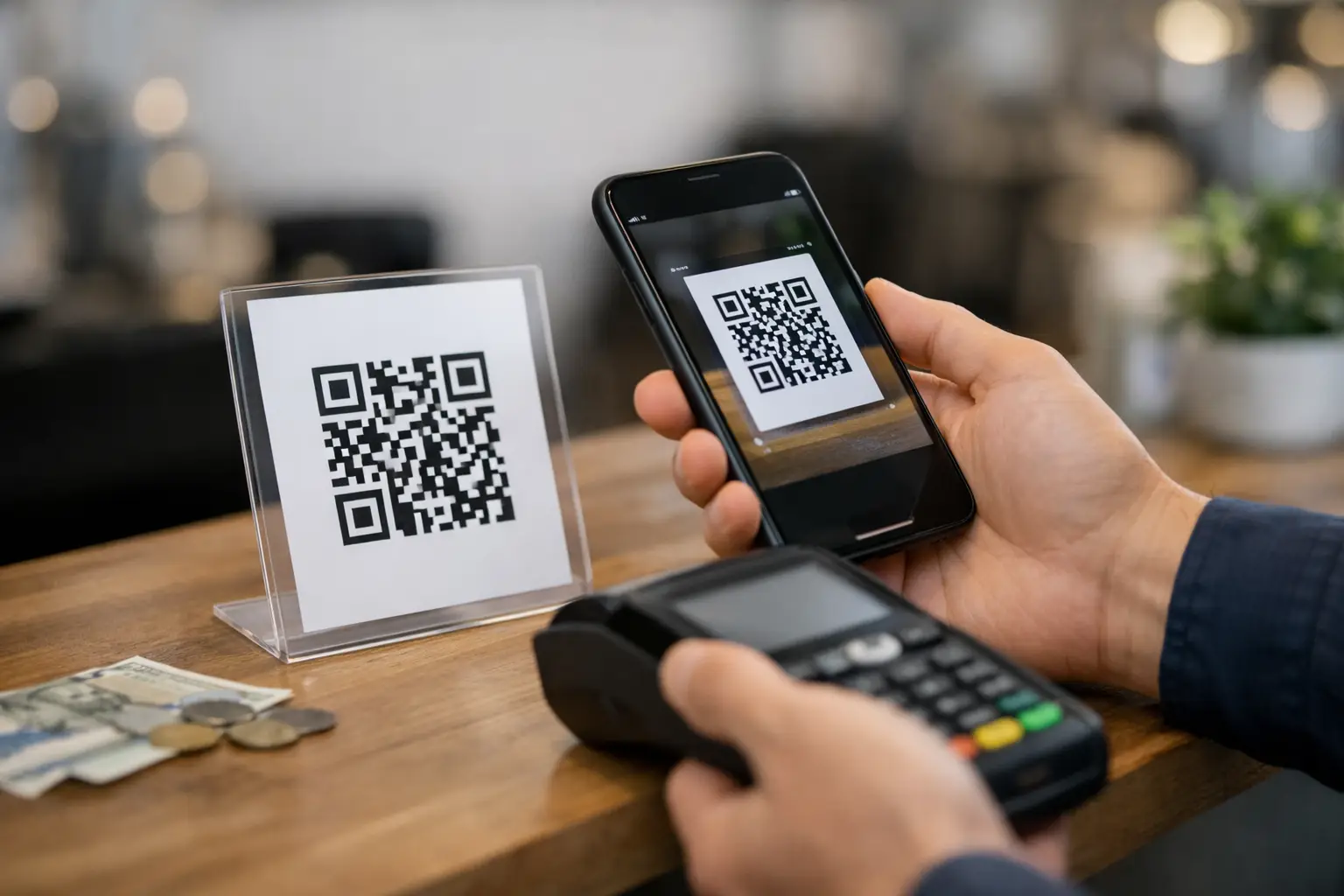
A customer is standing at a stall, ready to buy. They do not want to queue, type card details into a clunky form, or ask for a bank transfer link later. They want to scan, pay, and move on. That is why the question of whether you can use a QR code to receive money matters less as a novelty and more as an everyday operational decision.
The short answer is yes. A QR code to receive money works well, and it is one of the fastest ways to get paid on mobile. But the practical answer is a bit more specific: a QR code does not usually hold the money itself. It acts as the fastest route to a payment action, whether that is a checkout page, a donation form, a booking payment, a digital product, or a prefilled invoice.
For businesses, creators, fundraisers and event organisers, that distinction matters. If you understand what the QR code is actually doing, you can build a payment flow that is quicker to launch, easier to track, and better aligned with how people already buy on mobile.
Can a QR code to receive money work in practice?
In practice, a payment QR code sends someone to a destination where the transaction happens securely. That might be a hosted payment page, a product checkout, a donation screen, or a booking form with payment attached. The code is the access point. The payment processor and checkout infrastructure do the transaction work behind the scenes.
This is why QR code payments are so flexible. One code can be printed on packaging, shown at a till, added to a flyer, placed on an invoice, or shared on screen during an event. The user scans it with their mobile phone camera, lands on a mobile-friendly payment page, and completes the payment in a few taps.
That setup works especially well when speed matters. It also reduces friction for one-person businesses and lean teams that do not want separate tools for payment links, QR generation, analytics and customer capture.
How QR code payments actually work
A QR code is just a machine-readable way to deliver information quickly. In payment collection, that information is usually a URL. When scanned, the mobile phone opens a webpage or app route connected to the payment destination.
From there, the customer might pay by card, wallet, bank method, or another supported option depending on the checkout provider. If the payment page has already been configured correctly, the amount, item, campaign or appointment can already be attached. That cuts down on manual input and reduces drop-off.
There are two common models.
The first is a static QR code. This points to the same destination every time. It is useful for fixed-price products, ongoing donations, permanent service pages or evergreen checkout links.
The second is a dynamic QR code. This lets you change the destination without changing the printed code. It is better for campaigns, seasonal offers, rotating products, temporary events and any setup where tracking matters. Dynamic codes also make it easier to measure scans, compare locations and update offers after print.
How to create a QR code to receive money
If you want a fast, repeatable setup, follow these steps:
- Create your payment destination. Set up a checkout, payment link or donation link with the amount, product or campaign already attached.
- Choose static or dynamic. Pick dynamic if you want to update the destination later or track performance across locations.
- Generate the QR code. Use a QR code generator with customization so the code matches your brand colours and logo.
- Add a clear call to action. Pair the code with copy like \
Comments (0)
Be the first to comment.
Leave a comment